Quick Answer
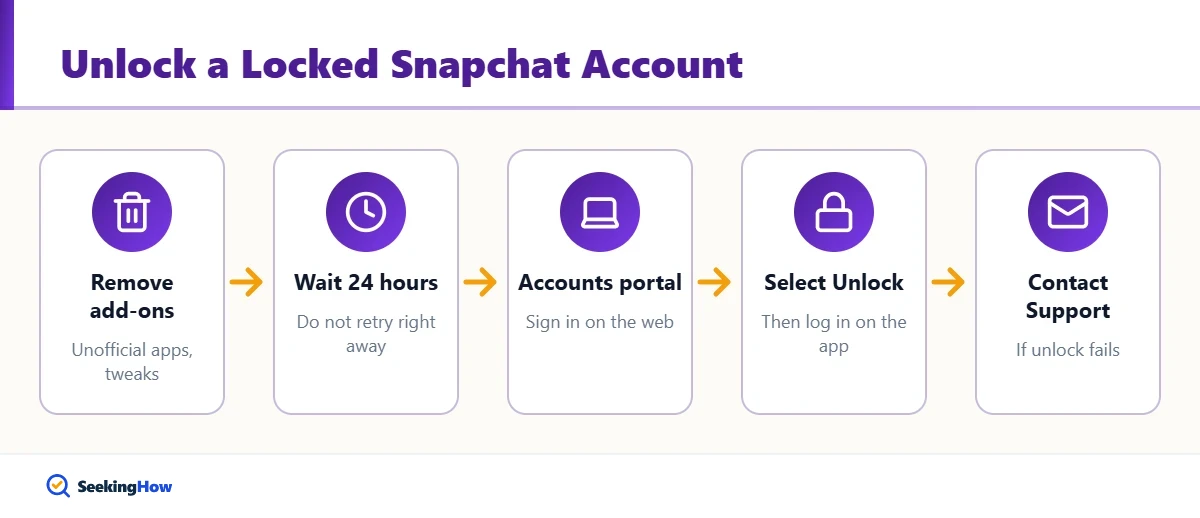
To unlock a locked Snapchat account, first delete any unofficial third-party apps, tweaks or plugins linked to Snapchat. Then wait at least 24 hours, sign in to Snapchat’s Accounts portal at accounts.snapchat.com in a browser, and choose Unlock if the option appears. If the account was hacked or permanently locked, contact Snapchat Support through help.snapchat.com.
Key Takeaways
- Snapchat locks accounts for suspicious login activity, unauthorized third-party apps, spam-like behavior or Community Guidelines violations.
- Temporary locks can often be lifted by the owner after the problem is fixed and some time passes.
- Removing unofficial Snapchat apps and plugins is required before unlocking works.
- Permanent locks for serious violations generally cannot be reversed, though you can contact support if you believe it was a mistake.
- Only use official Snapchat channels; “unlock services” are scams.
Seeing a “Your account has been locked” message on Snapchat usually means the platform detected something it considers risky. The fix depends on why it was locked. Here is how to identify the cause and get your own account back through official routes.
Why Was My Snapchat Account Locked?
- Unofficial apps or tweaks: modified Snapchat versions, auto-add tools, follower apps or plugins that use your login.
- Suspicious activity: logins from new locations, many failed password attempts or signs your account was compromised.
- Spam-like behavior: adding many people quickly or sending mass messages.
- Community Guidelines violations: harassment, illegal content, impersonation or other prohibited content.
- Underage or terms issues: Snapchat’s terms require users to be at least 13.
Temporary vs. Permanent Locks
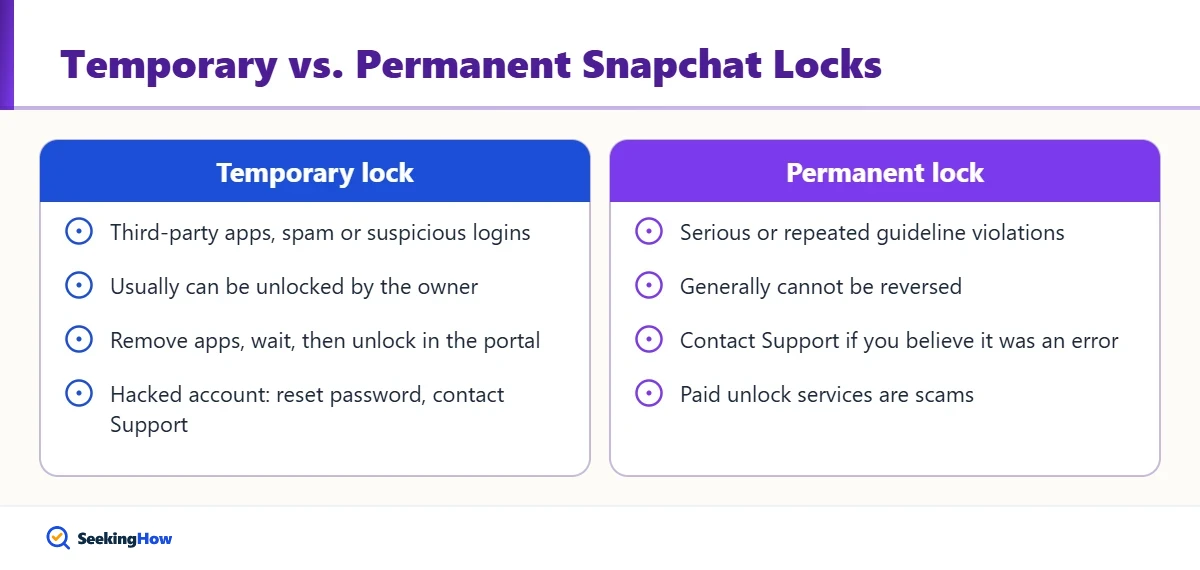
| Lock Type | Common Cause | Can You Unlock It? | What To Do |
|---|---|---|---|
| Temporary lock | Third-party apps, spammy activity, suspicious logins | Usually yes | Remove apps, wait, unlock in Accounts portal |
| Compromised account | Someone else got your password | Often yes | Reset password, contact Support |
| Permanent lock | Serious or repeated guideline violations | Generally no | Contact Support if you believe it was an error |
How Do You Unlock Your Snapchat Account?
Step 1: Remove Unofficial Apps and Plugins
Uninstall any modified Snapchat app, tweak or third-party service that asked for your Snapchat username and password. On a computer, remove browser extensions that interacted with Snapchat. Snapchat states that unauthorized apps must be gone before an account can be unlocked.
Step 2: Wait Before Trying
Give it at least 24 hours. Repeated unlock attempts right away can fail or extend the lock. Use the time to secure your email and phone number.
Step 3: Sign In to the Accounts Portal
On a web browser, go to accounts.snapchat.com and sign in with your username or email and password. If your account is eligible, you will see an option to unlock it.
Step 4: Select Unlock and Sign In on the App
Choose Unlock, then open the official Snapchat app from the App Store or Google Play and log in. Review your Friends list and settings for anything you did not add.
Step 5: Contact Snapchat Support if It Fails
If there is no unlock option or the lock returns, visit help.snapchat.com and use the contact form for locked accounts. Use the email linked to your account and describe what happened clearly and briefly.
Tip: Snapchat Support only communicates through official channels. Nobody from Snapchat will DM you on another platform offering to unlock your account for payment.
What If Your Snapchat Account Was Hacked?
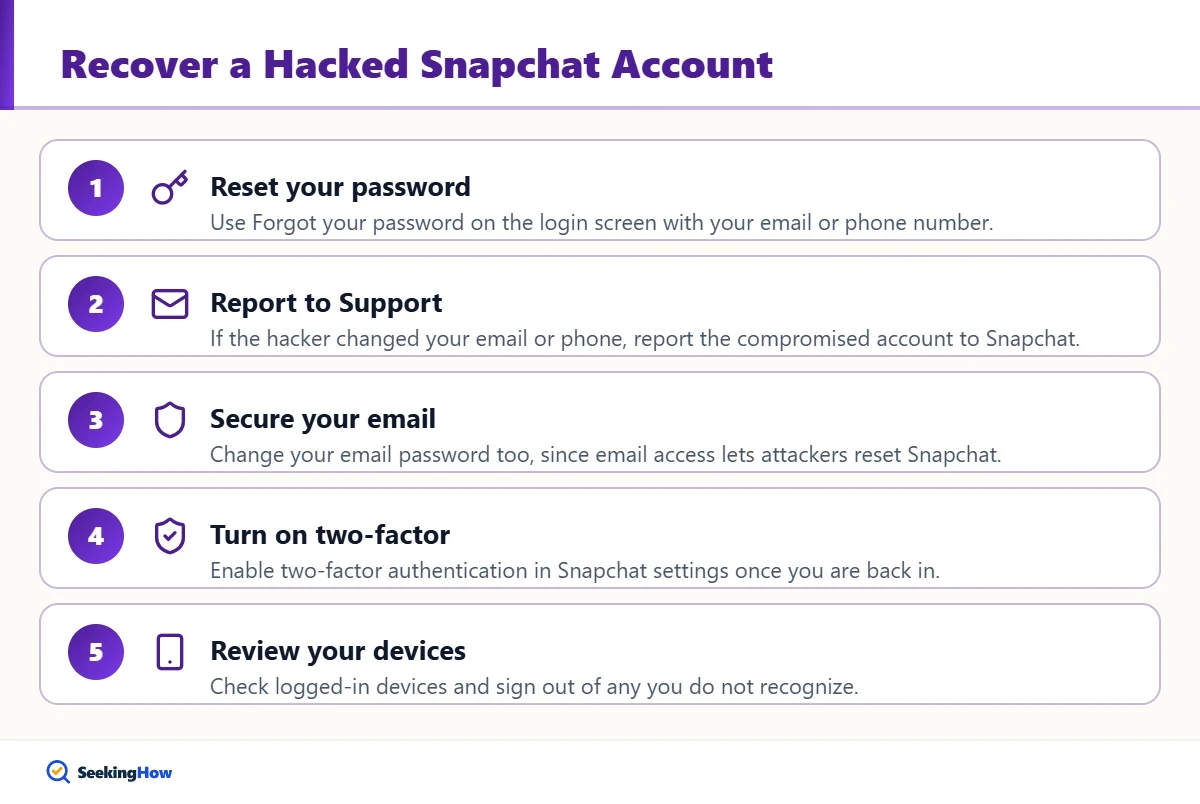
- Reset your password from the login screen using “Forgot your password?” with your email or phone.
- If the hacker changed your email or phone, report the compromised account to Snapchat Support.
- Change your email account password too, since email access lets attackers reset Snapchat.
- Turn on two-factor authentication in Snapchat settings once you are back in.
- Review logged-in devices and sign out of any you do not recognize.
Can You Get a Permanently Locked Snapchat Account Back?
Permanent locks usually follow serious or repeated Community Guidelines violations, and Snapchat generally does not reverse them. If you truly believe it was a mistake, for example because a hacker caused the activity, contact Snapchat Support with details. Do not create new accounts to get around a ban; that can violate the terms and lead to more locks.
Mistakes That Keep Your Account Locked
- Leaving a modified Snapchat app or tweak installed.
- Trying to unlock many times in a short window.
- Paying third-party “unlock” or “recovery” services.
- Sharing your login code with anyone, even someone claiming to be support.
- Using a VPN or emulator that triggers suspicious-login checks again.
How To Keep Your Snapchat Account Secure
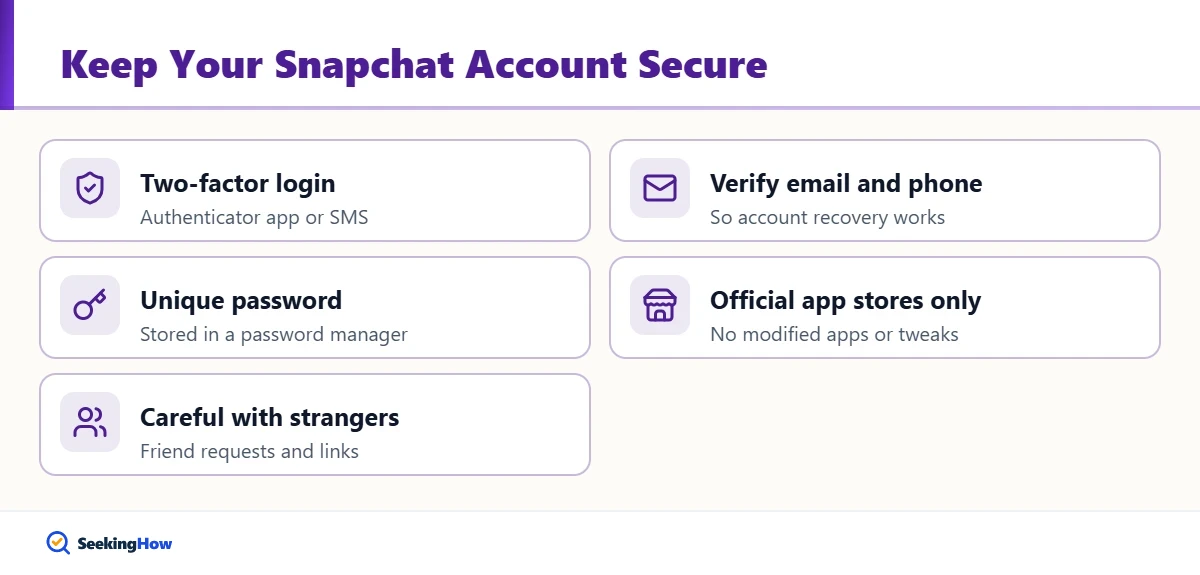
- Enable two-factor authentication with an authenticator app or SMS.
- Verify your email and phone number so recovery works.
- Use a unique password stored in a password manager.
- Only install Snapchat from the official app stores.
- Be cautious with friend requests and links from strangers.
Locked out of a device instead of an app? Our guide on unlocking your own computer without the password covers official Windows and Mac recovery. For streaming device connection issues, see what to do when an LG TV says Wi-Fi is turned off.
Parents: Helping a Teen With a Locked Account
If your teen’s account is locked, sit down together and check for unofficial apps, review why the lock may have happened, and use Snapchat’s Family Center to stay informed about who they are friends with. Treat the lock as a chance to set up two-factor authentication and talk about safe sharing.
Frequently Asked Questions
How long does a Snapchat lock last?
Temporary locks often can be lifted after about 24 hours once you remove unofficial apps and fix the cause. Some locks last longer, and permanent locks do not expire. If the unlock option never appears, contact Snapchat Support.
Why does my Snapchat keep getting locked?
Repeated locks usually mean an unofficial app, tweak or plugin is still installed or connected, or your account is being accessed by someone else. Remove all third-party tools, change your password and enable two-factor authentication.
Can I unlock Snapchat without the email or phone number?
It is harder, because Snapchat uses your email and phone to verify ownership. Contact Snapchat Support with your username and any details that prove the account is yours, and be patient while they review it.
Will I lose my Snapchat memories if my account is locked?
A temporary lock does not normally delete saved Memories. If an account is permanently locked or deleted, you may lose access. You can request a copy of your data through Snapchat account settings while you still have access.