Quick Answer
To unlock a hot tub control panel, first identify the controller brand on the topside panel (Balboa, Gecko and others). On Balboa touchscreen and TP-series menu panels, open Settings, then Locks, choose Panel or Settings and press and hold Unlock or Select for about 5 seconds. Button-only panels use a short key combination listed in the spa manual. If an error code shows, the panel is not locked; fix the fault.
Key Takeaways
- Spas usually have two locks: a panel lock that blocks all buttons and a settings or temperature lock that blocks only setpoint changes.
- A padlock icon, LOC, LOCK or LOCKED on the display means a lock is on; codes like FLO, OH, DR or SNS mean a fault.
- Unlock combinations vary by controller model, so find the model name on the topside panel or in the manual.
- Power cycling at the GFCI breaker can clear a frozen display but often does not remove an intentional lock.
- Call your spa dealer or a hot tub technician for persistent errors, dead panels or electrical issues.
A locked hot tub panel can feel like the spa is broken: buttons beep, nothing changes, and you cannot adjust the heat or jets. In most cases someone simply enabled a lock to keep kids or guests from changing settings. This guide shows how to recognize the lock type, find your controller model and release it the right way.
Why Is My Hot Tub Control Panel Locked?
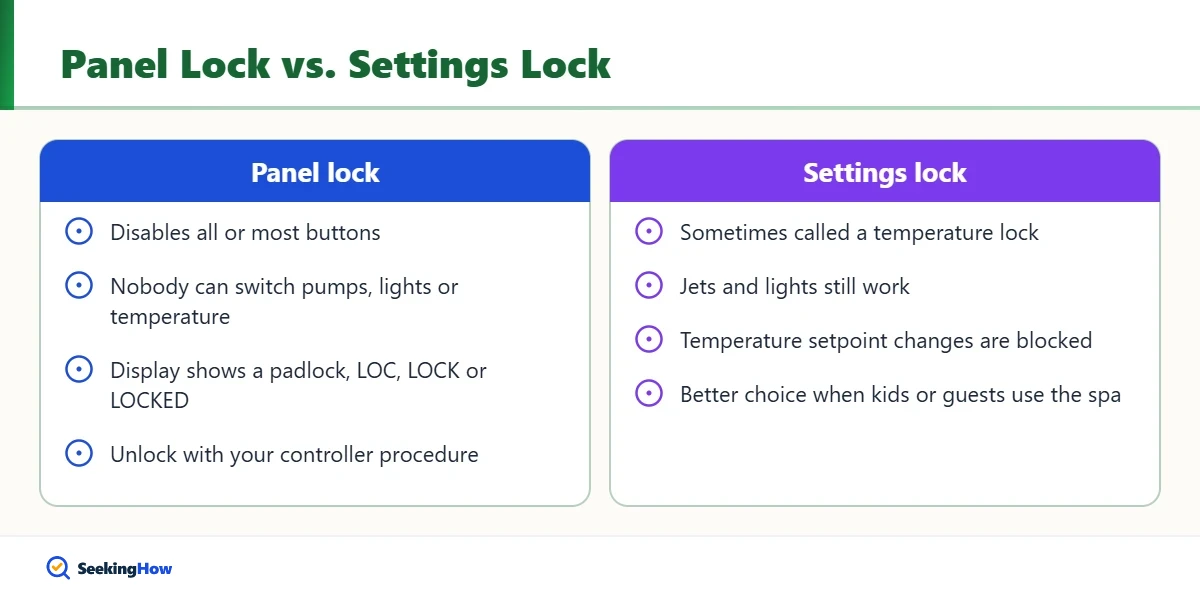
Spa control systems include locks so owners can protect their settings. A panel lock disables all or most buttons so nobody can switch pumps, lights or temperature. A settings lock (sometimes called a temperature lock) lets people use jets and lights but prevents changes to the set temperature, filter cycles and time. Locks are often switched on by accident when someone presses a combination of buttons while cleaning the panel or resting an arm on it.
A panel can also look locked when it is really displaying a safety fault. In that case, unlock sequences will not help, because the controller is deliberately shutting down the heater or pumps.
| What You See | Likely Meaning | What To Do |
|---|---|---|
| Padlock icon, LOC, LOCK or LOCKED | Panel lock is on | Use the unlock procedure for your controller |
| Jets work but temperature will not change | Settings or temperature lock | Unlock settings only |
| FLO, FL1, LF or similar | Water flow problem | Clean filters, check water level, bleed air locks |
| OH, OHH, HH or similar | Overheat protection | Remove cover, let water cool, check filters and flow |
| DR, DRY or similar | Heater may be dry | Check water level and flow; do not reset repeatedly |
| SNS, SN, SA or SB | Sensor fault | Power cycle once; call a technician if it returns |
| Blank screen | No power or failed panel | Check GFCI and breaker; call a technician |
Exact codes differ by manufacturer, so confirm what yours means in the spa manual.
How Do You Unlock a Hot Tub Control Panel?
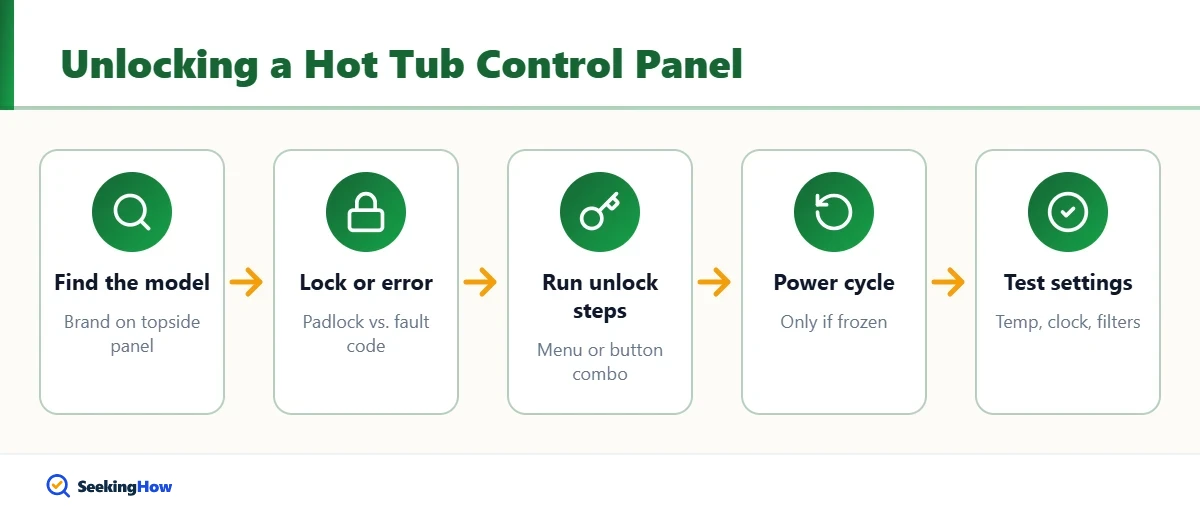
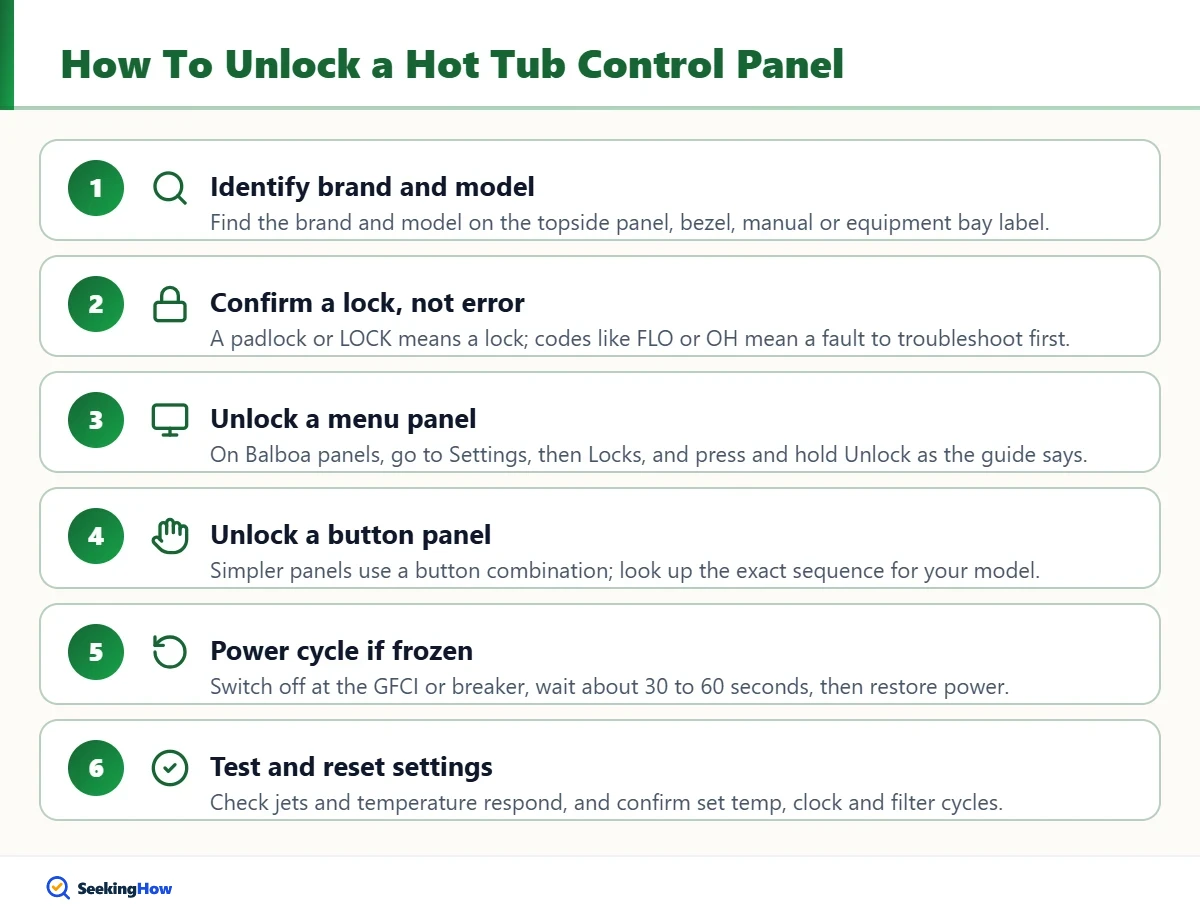
Step 1: Identify Your Controller Brand and Model
Look at the topside panel for a brand name or model printed on the face or the bezel, such as Balboa TP-series, Balboa SpaTouch, or a Gecko in.k or in.touch panel. The spa manufacturer’s owner’s manual or the label inside the equipment bay door also lists the control system. Write it down; you will need it to find the right unlock steps.
Step 2: Confirm It Is a Lock, Not an Error
Check the display for a padlock icon or the word LOCK versus a fault code. If you see a fault such as FLO or OH, skip the unlock steps and troubleshoot water flow, filters and water level first. Pressing random buttons during a fault does not help and may change other settings.
Step 3: Unlock a Menu-Based or Touchscreen Panel
On Balboa SpaTouch panels, Balboa’s user guide directs you to Settings, then Locks, tap Panel or Settings, and press and hold Unlock for about 5 seconds until the lock icon disappears. On Balboa TP-series menu panels, go to Settings, then Locks, select the lock and press and hold the Select button for about 5 seconds. Other brands with menu screens use a similar Settings, Lock or Security path.
Step 4: Unlock a Button-Only Panel
Older and simpler panels without menus use a button combination, often pressing a temperature or Up button followed by another key such as Light or Jets within a few seconds. Because combinations differ between models, look up the exact sequence in your controller’s quick reference card or online user guide by model number rather than guessing. Some panels accept the same sequence to lock and unlock, so watch the icon after each try.
Step 5: Power Cycle If the Display Is Frozen
If buttons do not respond at all and no lock icon shows, the panel may be frozen. Switch off the spa at its GFCI disconnect or breaker, wait about 30 to 60 seconds, then restore power. The spa may enter a priming mode for a few minutes; let it finish before pressing buttons again.
Step 6: Test and Reset Your Settings
Once unlocked, press a jet and the temperature button to confirm everything responds. Check that the set temperature, time of day and filter cycles are still correct, since a power cycle can reset the clock on some models. If you want the protection, re-lock only the settings so guests can still use the jets.
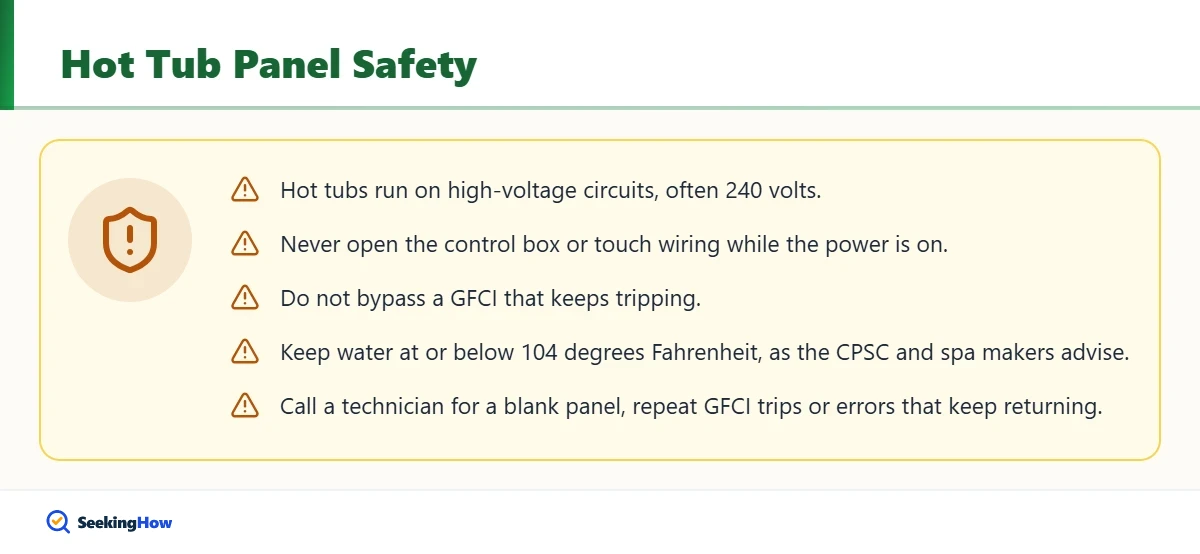
Safety: Hot tubs run on high-voltage circuits, often 240 volts. Never open the control box or touch wiring while power is on, and do not bypass a GFCI that keeps tripping. The CPSC and spa manufacturers advise keeping water at or below 104 degrees Fahrenheit, so do not unlock settings to exceed that.
What If the Panel Still Won’t Unlock?
- Moisture behind the overlay: water under the button membrane can short keys and make the panel act locked. Dry the area and keep the cover on; a damaged overlay may need replacement.
- Two panels: if your spa has a main and auxiliary panel, the lock may apply to both. Unlock from the main panel.
- Failed topside panel: a cracked screen, dead backlight or unresponsive keys after a power cycle usually means the panel needs replacing. Match the part number exactly.
- Controller fault: if errors persist after cleaning filters and checking water, a sensor, heater or circuit board may be failing.
If the spa light seems to be the only feature not working after unlocking, see our guide on fixing a pool light for similar troubleshooting ideas.
How Do You Prevent Accidental Lockouts?
- Use the settings lock instead of the full panel lock when kids or guests use the spa.
- Wipe the panel with a soft cloth while it is locked or the spa is powered down, so stray presses do not change anything.
- Keep the cover closed when the spa is not in use to protect the panel from sun, rain and debris.
- Keep the manual or a photo of the quick reference card on your phone.
When Should You Call a Hot Tub Technician?
Call your spa dealer or a qualified technician if the panel is blank with power on, a GFCI trips repeatedly, the same error returns after you fix flow and water level, or the unlock procedure from your manual does not work. If you need to drain the spa for service, our guide on draining a pool using the pool pump covers similar pump-and-hose techniques, and fixing a hole in the bottom of a pool explains patching basics for vinyl surfaces.
Frequently Asked Questions
How do I get my hot tub out of lock mode?
Find your controller brand and model, then use its unlock method. Menu-based Balboa panels unlock under Settings, then Locks, by pressing and holding Unlock or Select for about 5 seconds. Button-only panels use a short key combination listed in the spa manual or quick reference card.
Why can I use the jets but not change the temperature?
That usually means a settings or temperature lock is on rather than a full panel lock. It prevents changes to the set temperature and other setup options while leaving jets and lights usable. Unlock the settings through the same lock menu or key sequence your controller uses.
Will turning off the breaker unlock my hot tub?
A power cycle can unfreeze a stuck display, but many controllers remember a lock after power is restored. If a lock icon is still showing after the restart, use the official unlock procedure. Wait for any priming mode to finish before pressing buttons.
What does LOC mean on a hot tub?
On many spa panels, LOC, LOCK or a padlock icon means the panel or settings are locked. It is not a fault. Use your controller unlock steps to release it. If you see codes such as FLO or OH instead, the spa is reporting a flow or overheat problem.
Can I unlock a hot tub panel without the manual?
Yes, in most cases. Note the controller brand and model on the topside panel, then look up that model user guide on the manufacturer website or ask your spa dealer. Avoid pressing random button combinations, which may change other settings.