Quick Answer
To reset a Stealth Cam trail camera with a screen, press MENU, open Advanced Settings, select Factory Reset, choose YES and press ENTER. To reset a Stealth Cam cellular camera, switch it off, remove the batteries for 30 seconds, reinsert them and let it sync. A Stealth Cam reset takes about 5 minutes and erases custom settings, but not SD card photos.
Key Takeaways
- Screen-equipped Stealth Cam models have a Factory Reset option in the Advanced Settings menu with YES or NO choices.
- A Stealth Cam factory reset restores default settings but does not delete images on the SD card.
- Cellular Stealth Cam models are configured in the Stealth Cam Command app, so a battery pull is the basic restart.
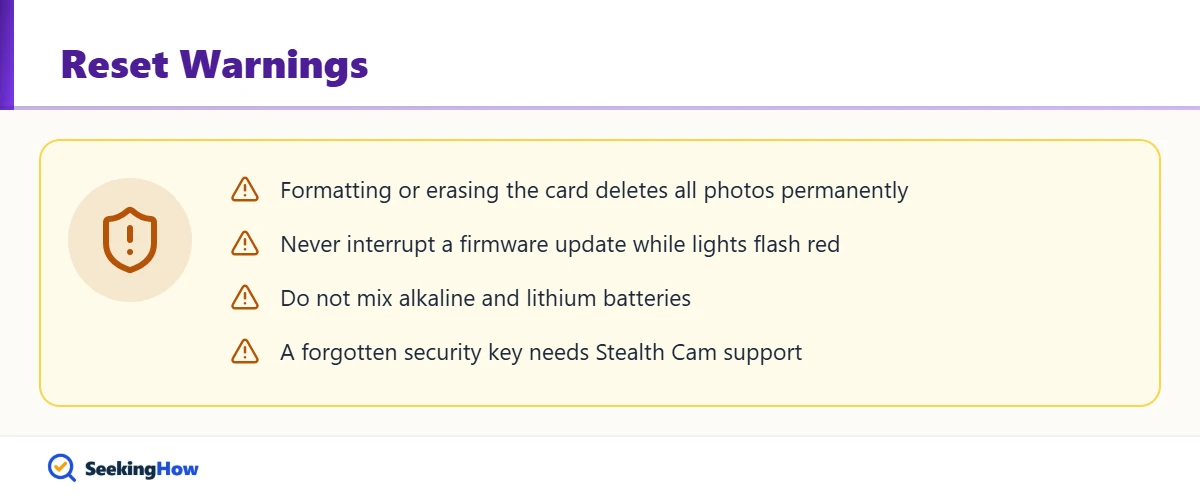
- Formatting or erasing the SD card permanently deletes every photo and video on it.
- A forgotten security key requires Stealth Cam customer service, and the camera must be registered.
Stealth Cam trail cameras freeze, skip triggers or stop syncing for the same reasons most game cameras do: weak batteries, a bad card or a corrupted setting. This guide explains how to reset a Stealth Cam trail camera for both families of models, the standard cameras with a menu screen and the cellular cameras set up through the app, plus what to check before you wipe your settings.
What You’ll Need
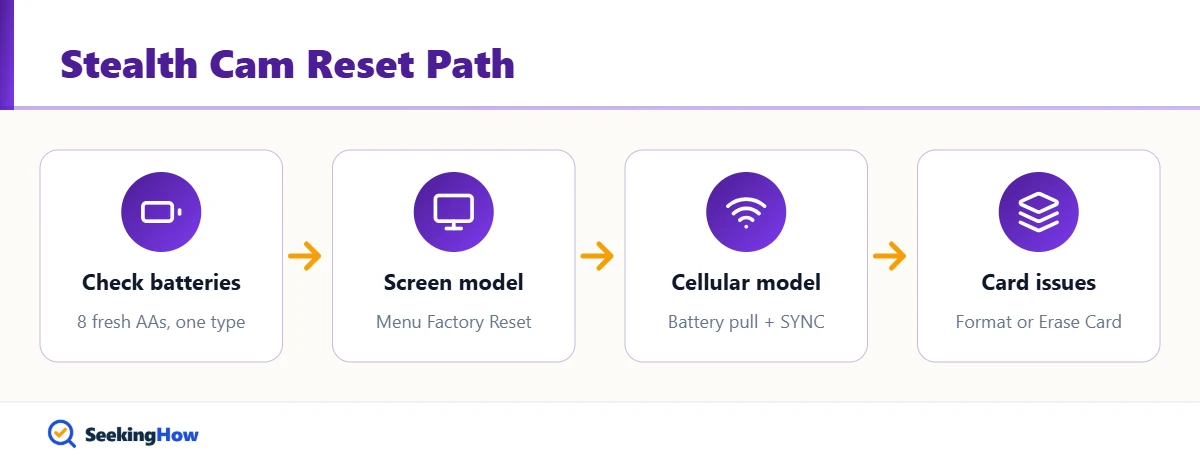
- Fresh AA batteries, usually 8 of one type (do not mix alkaline and lithium)
- A Class 10 SD card, 32GB or smaller for most cellular models
- A computer to back up photos before formatting (optional)
- The Stealth Cam Command app or stealthcamcommand.com login, for cellular models
- Your security key, if one is set (the default on many models is 0000)
Which Stealth Cam Do You Have?
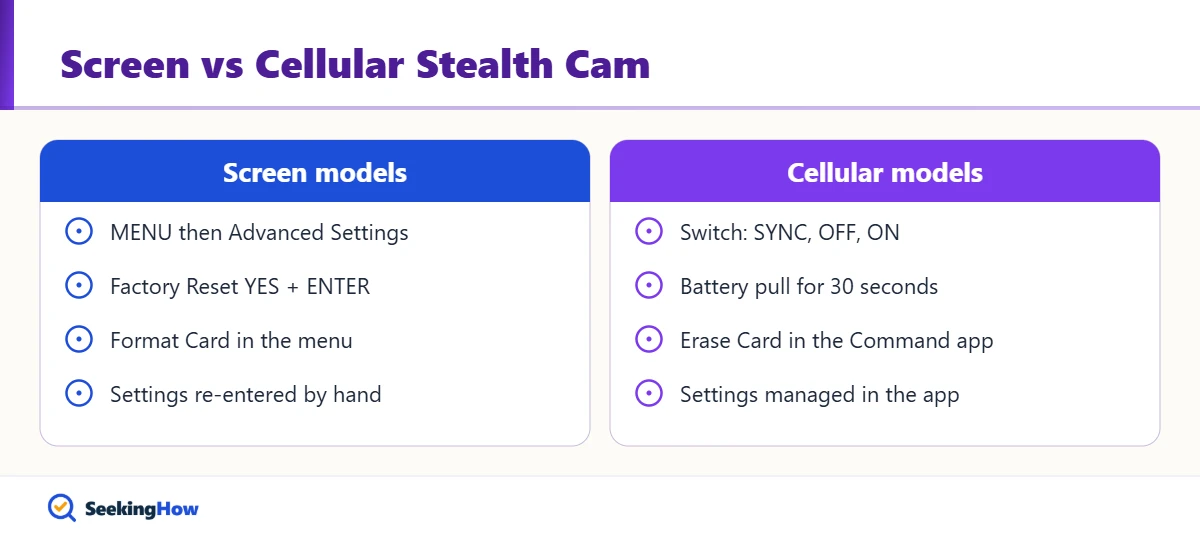
Look inside the front cover. If you see a small screen with MENU, ENTER and arrow buttons, follow Method 1. If you see only a switch labeled SYNC, OFF and ON with status lights and no screen, it is a cellular model; follow Method 2. Most people find the model number, such as STC-G45NG or a Fusion or Deceptor cellular model, printed on a label inside the door.
How To Reset a Stealth Cam Trail Camera: Step-by-Step
Method 1: Cameras With a Menu Screen
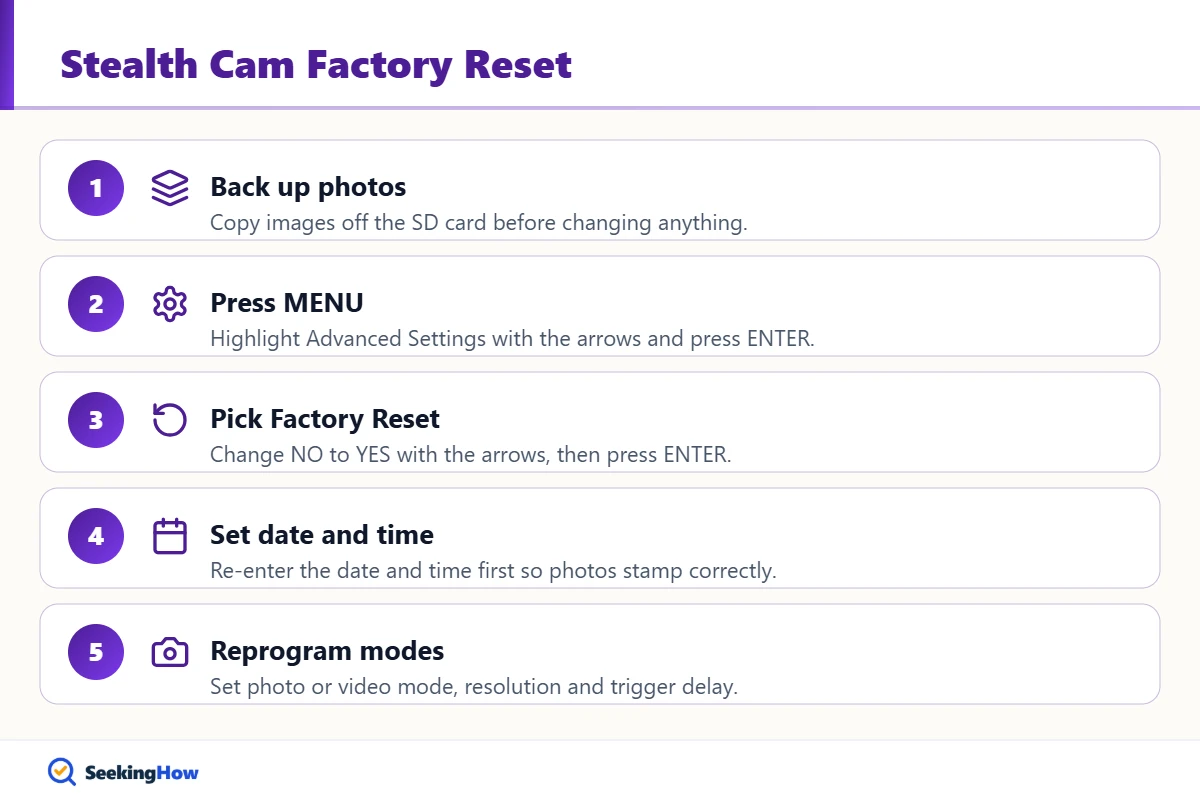
Step 1: Power On and Back Up Your Photos
Turn the camera on with fresh batteries. A factory reset does not touch the SD card, but copy important images to a computer anyway in case you decide to format the card afterward.
Step 2: Open the Menu
Press MENU, use the arrow buttons to highlight Advanced Settings, and press ENTER. If the camera asks for a security key, enter it now; a camera whose key you forgot must be reset through Stealth Cam customer service.
Step 3: Select Factory Reset and Confirm
Scroll to Factory Reset, press ENTER, use the arrows to change NO to YES, and press ENTER again. The camera returns every setting to its factory default. Pressing MENU before ENTER cancels the change, which is a common reason a reset seems to do nothing.
Step 4: Reprogram Date, Time and Settings
Set the date and time first, then your photo mode, resolution, trigger delay and any time-lapse settings. Wrong time stamps are the most common leftover issue after a reset.
Method 2: Cellular Cameras (Stealth Cam Command App)
Step 5: Power Cycle the Camera
Slide the switch to OFF, remove all batteries or disconnect external 12V power, and wait at least 30 seconds before reinstalling them. Stealth Cam’s own manuals use battery removal and reinsertion to finish firmware updates, and it clears most frozen states.
Step 6: Press SYNC and Read the Lights
Turn the camera on and press SYNC to send a test photo. A solid red battery light means low batteries or no SD card, a red network light means no SIM, weak signal or no data plan, and a red account light means the camera is not linked to an account.
Step 7: Check Settings and Erase the Card in the App
Open the Stealth Cam Command app or website, confirm the camera’s settings, and use the Erase Card option if the card is full or corrupted. Erasing the card is permanent, so download any photos you want first.
Bottom line: Use the Factory Reset menu on screen models, and use a battery pull plus SYNC test on cellular models before changing anything else.
Reset Options Compared
| Method | Time | Erases settings? | Erases photos? | Best for |
|---|---|---|---|---|
| Battery pull (30 s) | 1 minute | Usually no on cellular; may on screen models | No | Frozen camera, failed sync |
| Factory Reset menu | 3 to 5 minutes | Yes | No | Bad settings, odd behavior |
| Format / Erase Card | 1 to 2 minutes | No | Yes, permanently | Full or corrupted SD card |
| Firmware update | 5 to 10 minutes | Varies | No | Known bugs after resetting |
If That Didn’t Work
Problem: Camera won’t turn on. Cause: Mixed, reversed or drained batteries. Fix: Install a full set of new AAs of one type in the orientation marked in the tray. Rechargeables can work but often show an inaccurate battery percentage.
Problem: Settings disappear after every battery change. Cause: On many screen models, settings are lost when the batteries die. Fix: Replace batteries before they run flat and re-enter the date and time after each swap.
Problem: Card error or no photos saved. Cause: A slow, oversized or corrupted card. Fix: Use a Class 10 card (32GB or less on cellular models) and format it in the camera or app, not only on a computer.
Problem: Cellular camera won’t send photos. Cause: No SIM, weak signal or an inactive data plan. Fix: Read the SYNC lights, move the camera to better coverage and confirm the plan in your account.
Problem: Lights alternate red and green. Cause: A firmware update is waiting. Fix: Press SYNC to start it and do not interrupt it; when the lights go solid red, remove and reinsert the batteries. For a similar brand workflow, see how to reset a Spypoint camera.
Safety and When To Call a Pro
Use a safety harness when mounting or removing a camera from a tree stand, and keep both hands free while climbing. Contact Stealth Cam support if you forgot the security key, the camera stays dead with new batteries, or water got inside the housing. For standard cameras, call 877-269-8490 or email stealthcam@gsmorg.com; for wireless models, call 888-508-5922 or email wirelesstechsupport@gsmorg.com (hours listed in the manuals are weekdays, 8 a.m. to 5 p.m. Central).
Prevention Tips
- Use lithium AAs in freezing weather and never mix battery chemistries.
- Format the card in the camera at the start of each season.
- Remove batteries when storing the camera for months to prevent corrosion.
- Aim the camera north or south to cut sunrise and sunset false triggers.
Related Guides
- How to reset a Spypoint camera
- How to install a fish finder on a kayak
- How to change a Honeywell thermostat battery
Sources
- Stealth Cam: STC-GMAX32VNG instruction manual (Factory Reset, Format Card)
- Stealth Cam: Fusion cellular camera instruction manual (SYNC lights, Erase Card, firmware)
- Stealth Cam official site (stealthcam.com)
Frequently Asked Questions
Does a factory reset delete pictures on a Stealth Cam?
No. The Stealth Cam Factory Reset option restores default settings only and leaves images on the SD card. Photos are deleted only when you choose Format Card on the camera or Erase Card in the Command app, and that deletion is permanent.
How do I reset a Stealth Cam without a screen?
Cellular Stealth Cam models without a screen are reset by switching off, removing the batteries for at least 30 seconds and reinstalling them. Then press SYNC to send a test photo and manage settings in the Stealth Cam Command app or website.
How do I reset a Stealth Cam security password?
You cannot clear a forgotten Stealth Cam security key yourself. Stealth Cam manuals direct owners to customer service, and the camera must be registered with Stealth Cam. Many models ship with a default key of 0000 if one was never changed.
Why does my Stealth Cam lose its settings?
Many screen-equipped Stealth Cam models lose their settings when the batteries go dead, although photos on the SD card remain. Replace batteries before they run flat and re-enter the date and time after each change.
What size SD card does a Stealth Cam use?
Stealth Cam manuals call for a Class 10 SD card, and cellular models list 32GB or smaller. Larger or slow cards can cause card errors. Format the card in the camera or app rather than only on a computer.
What do the red lights mean on a Stealth Cam cellular camera?
After pressing SYNC, a red battery light means low batteries or no SD card, a red network light means no SIM, weak signal or no data plan, and a red account light means no linked account. Alternating red and green lights mean a firmware update is ready.
How do I update Stealth Cam firmware?
Cellular models update over the air: when lights alternate red and green, press SYNC and wait, then remove and reinsert the batteries when the lights go solid red. Screen models can update from a file on the SD card using the SW Upgrade option.