Quick Answer
To change the battery in a Honeywell thermostat, pull the thermostat body straight off its wallplate (or slide out the battery drawer on some FocusPRO models), remove the old batteries, and insert fresh AA or AAA alkaline batteries matching the + and – marks. Snap it back on and check the time and settings. It takes about 5 minutes and needs no tools.
Key Takeaways
- Most battery-powered Honeywell thermostats use two AA or two AAA alkaline batteries; check the compartment markings for yours.
- Many Honeywell Wi-Fi and smart models run on the C-wire and have no batteries at all.
- Replace batteries about once a year, or as soon as the low-battery warning appears.
- Use new name-brand alkaline batteries; avoid mixing old and new or using rechargeables unless your manual allows them.
When a Honeywell thermostat’s batteries run low, the display may flash a battery warning, go blank or stop calling for heat or cooling. On many models, dead batteries can leave the heating and cooling system off entirely. Changing them is quick, but the method depends on your thermostat series, so start by identifying your model.
How Do You Know Your Honeywell Thermostat Needs New Batteries?
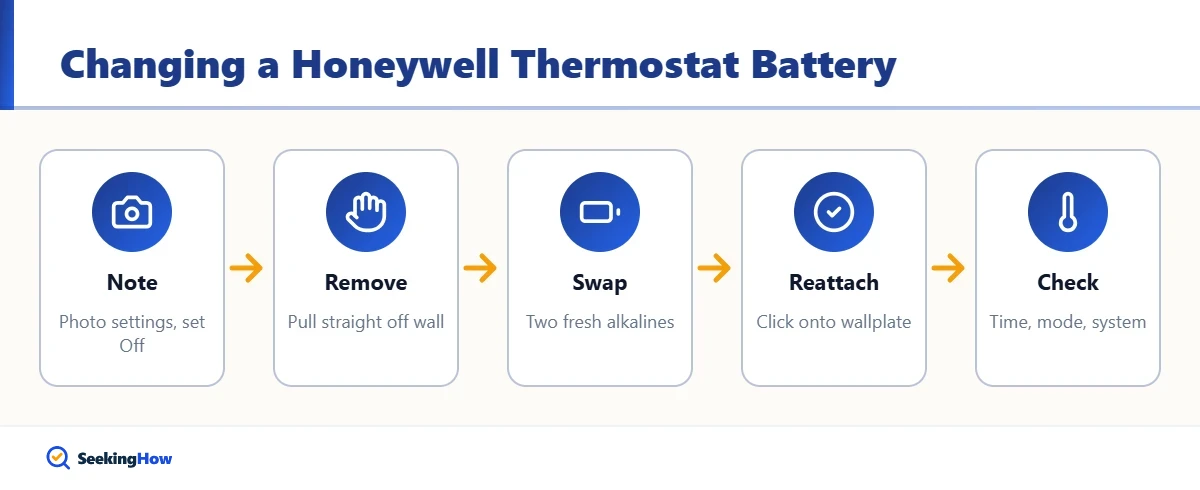
- A “Replace Batt”, “Battery Low” or battery icon appears or flashes on the screen.
- The display is dim, blank or flickering.
- The thermostat doesn’t respond to button presses.
- The furnace or air conditioner won’t turn on, or runs erratically.
- The thermostat keeps losing the time or schedule.
Honeywell thermostats generally show a low-battery warning well before the batteries die completely, so replace them within a week or two of first seeing it, and before leaving home for a long trip.
Which Batteries Does Your Honeywell Thermostat Use?
Look for the model number on the front of the thermostat, on the back of the unit or on the wallplate. The table below shows common arrangements, but always confirm with the markings inside the battery compartment or your user guide.
| Thermostat type | Example series | Typical batteries | How to access |
|---|---|---|---|
| Basic and programmable home models | RTH2300, RTH221, RTH111 | 2 AAA alkaline | Pull unit off wallplate |
| Programmable home models | RTH6360, RTH7600 | 2 AA alkaline | Pull unit off wallplate |
| FocusPRO series | TH5000, TH6000 | 2 AA alkaline | Battery holder or pull off wallplate, varies by model |
| Pro series | T4 Pro, T6 Pro | 2 AA alkaline (on battery-powered setups) | Pull unit off wallplate |
| Wi-Fi and smart models | RTH6580WF, RTH8580WF, T9, T10 | Usually none (C-wire powered) | No battery to change |
| Round mechanical | Classic round T87 | None | No battery to change |
Tip: If your smart thermostat says “low power” or keeps rebooting, the issue is usually the C-wire or HVAC transformer, not a battery. That’s a wiring issue, not a battery swap.
What Do You Need?
- Two new AA or AAA alkaline batteries (match your model)
- Your phone, to photograph the settings screen before you start
- A soft cloth to dust the wallplate
- A small flathead screwdriver, only if your model has a screw-secured cover
How Do You Change a Honeywell Thermostat Battery Step by Step?
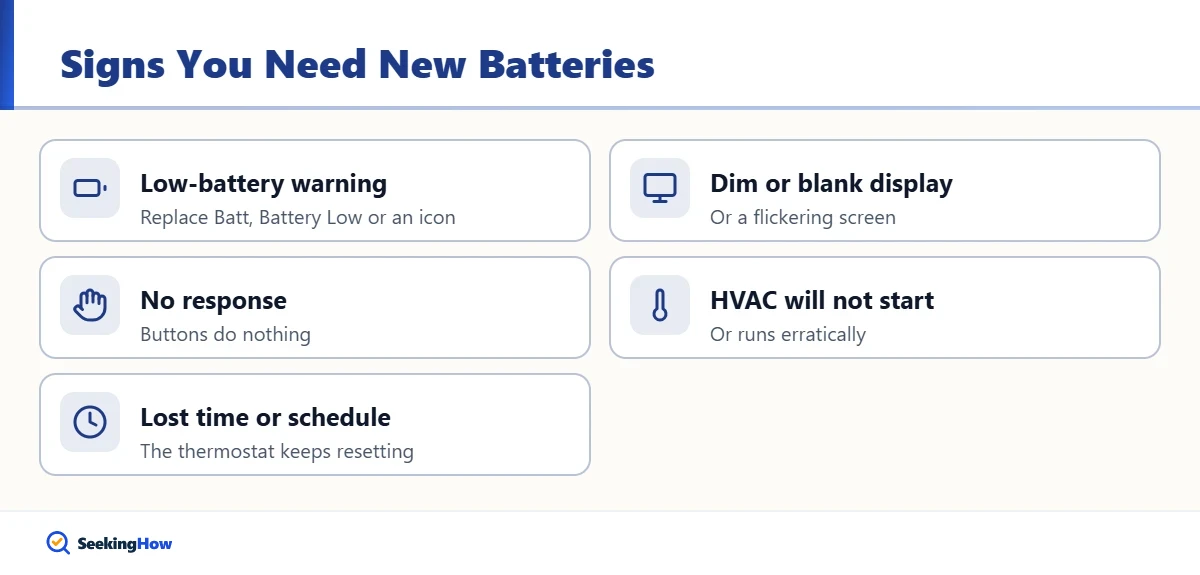
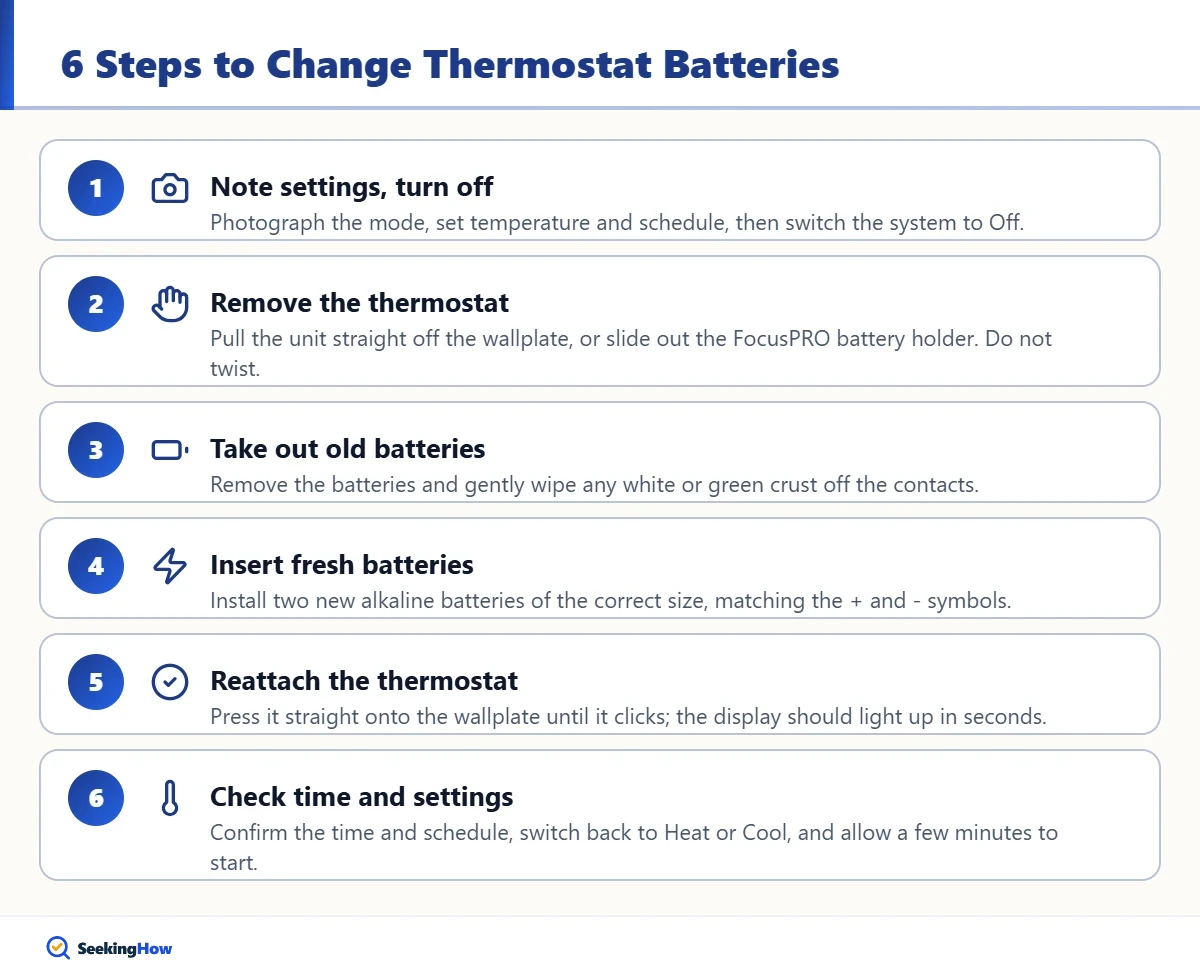
Step 1: Note Your Settings and Turn the System Off
Take a photo of the screen showing the mode, set temperature and schedule if you can. Switch the system to Off using the thermostat’s mode button or switch. This prevents the furnace or AC from short-cycling while the thermostat is off the wall.
Step 2: Remove the Thermostat or Battery Holder
For most models, grip the thermostat body on both sides and pull it straight away from the wall; it unclips from the wallplate. On FocusPRO models with a battery holder, look for a small tab or drawer on the edge of the unit and slide it out instead. Don’t pry with tools or twist the unit.
Step 3: Take Out the Old Batteries
Remove the old batteries and check the contacts. If you see white or green crust from a leak, wipe it off gently with a dry cloth or a cotton swab lightly dampened with vinegar, then let it dry completely.
Step 4: Insert Fresh Batteries
Install two new alkaline batteries of the correct size, matching the + and – symbols in the compartment. Replace both at the same time, and use the same brand.
Step 5: Reattach the Thermostat
Line the thermostat up with the wallplate and press it straight on until it clicks into place, or slide the battery drawer back in. The display should light up within a few seconds.
Step 6: Check the Time, Settings and System
Confirm the time, day and schedule; most models keep programs in memory but may need the clock reset. Switch the mode back to Heat or Cool, set your temperature and listen for the system to start, which can take up to a few minutes because of built-in compressor protection.
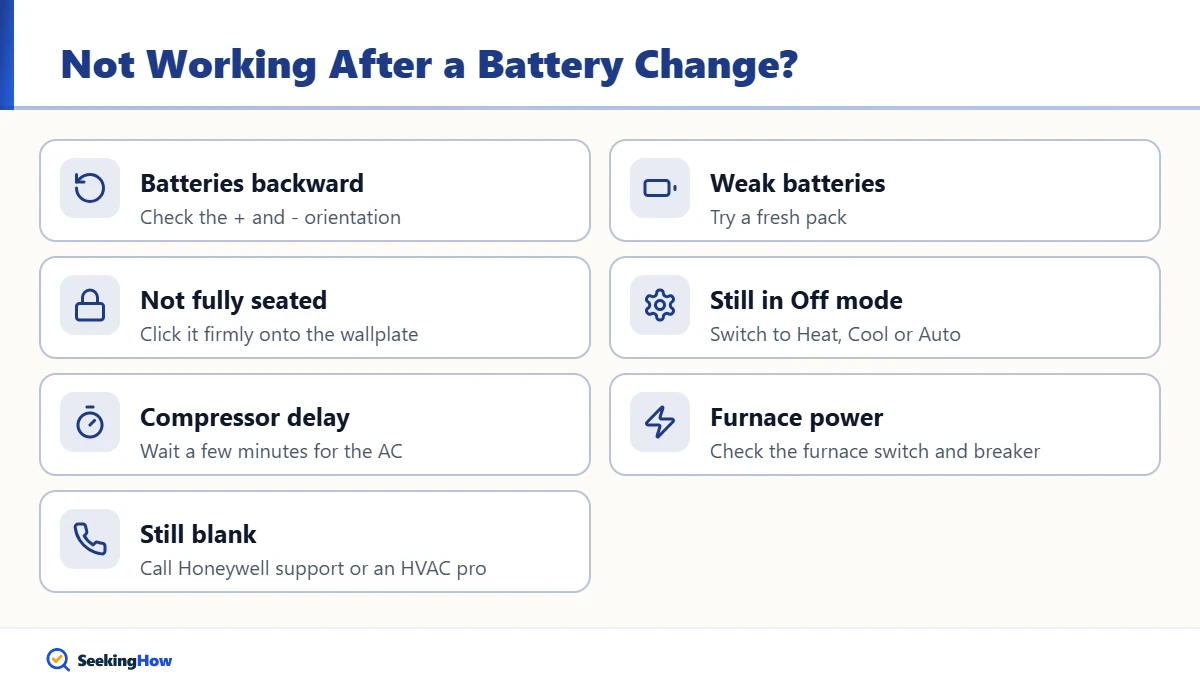
Why Isn’t My Honeywell Thermostat Working After Changing the Batteries?
- Batteries in backward: double-check the + and – orientation.
- Old or weak batteries: batteries that sat in a drawer may be partly drained; try a fresh pack.
- Not seated on the wallplate: if the thermostat isn’t fully clicked on, it can’t connect to the wires.
- System still in Off mode: switch to Heat, Cool or Auto.
- Compressor delay: many Honeywell models wait a few minutes before restarting the AC to protect the compressor; the display may show “Wait” or a flashing icon.
- Furnace power or breaker: check the furnace switch and the breaker panel, and make sure the furnace door is closed securely.
If the display stays blank with fresh batteries, the issue may be the wiring, the HVAC system’s control board or the thermostat itself. Contact Honeywell Home support or an HVAC technician.
Safety: Changing batteries doesn’t require touching wires. If you need to disconnect or move wires, turn off power to the furnace or air handler at the breaker first. If you’re not comfortable with low-voltage wiring, call a licensed HVAC technician.
What Mistakes Should You Avoid?
- Mixing old and new batteries: the weak one drags down the new one and can leak.
- Using lithium or rechargeable batteries without checking: some thermostats read their voltage differently and show incorrect low-battery warnings; check your manual.
- Twisting the unit off: pull straight out to avoid bending the terminal pins.
- Ignoring the warning for weeks: on battery-only models, dead batteries can stop heat in winter.
How Often Should You Replace Honeywell Thermostat Batteries?
Once a year is a good habit, even before the warning appears. Many homeowners pair it with other annual tasks, such as changing smoke alarm batteries or replacing the furnace filter at the start of heating season. Keep a spare pack of the right size in a drawer near the thermostat.
It’s also a good time to service other seasonal home equipment. If you run a portable humidifier in winter, our guide on cleaning a Honeywell humidifier covers the weekly routine. And if you have other battery-powered devices around the house, such as trail cameras, see how to reset a Spypoint camera for tips after a battery swap.
Should You Upgrade to a Thermostat Without Batteries?
If your home has a C-wire (common wire) at the thermostat, a Wi-Fi or smart thermostat can run on the HVAC system’s 24-volt power and never need battery changes. Many also offer remote control from your phone and energy reports. If you don’t have a C-wire, some models include an adapter, or an HVAC technician can run one. Mechanical round thermostats and some older models may contain mercury switches, which must be recycled properly, not thrown in the trash.
Frequently Asked Questions
What battery does a Honeywell thermostat take?
Most battery-powered Honeywell thermostats use two AA or two AAA alkaline batteries. Basic RTH models often take AAA, while FocusPRO and many programmable and Pro models take AA. Check the markings inside the battery compartment or your user guide to be sure.
Will I lose my settings when I change the battery?
Most Honeywell programmable thermostats store the schedule in memory and keep it during a battery change, but you may need to reset the clock and day. Photograph your settings first so you can restore them quickly if anything resets.
How long do Honeywell thermostat batteries last?
Batteries in most Honeywell thermostats commonly last around a year, depending on the model, backlight use and battery quality. Replace them yearly or as soon as the low battery warning appears.
Does my Honeywell Wi-Fi thermostat have batteries?
Most Honeywell Wi-Fi and smart thermostats, such as the RTH6580WF and T9, are powered by the C-wire from your HVAC system and do not use batteries. A low power message on these usually points to a wiring or transformer issue.
Can I use lithium batteries in a Honeywell thermostat?
Honeywell user guides generally call for alkaline batteries. Lithium batteries have different voltage behavior and may affect when the low battery warning appears, so check your specific manual before using them, and avoid rechargeable batteries unless it says they are allowed.