Quick Answer
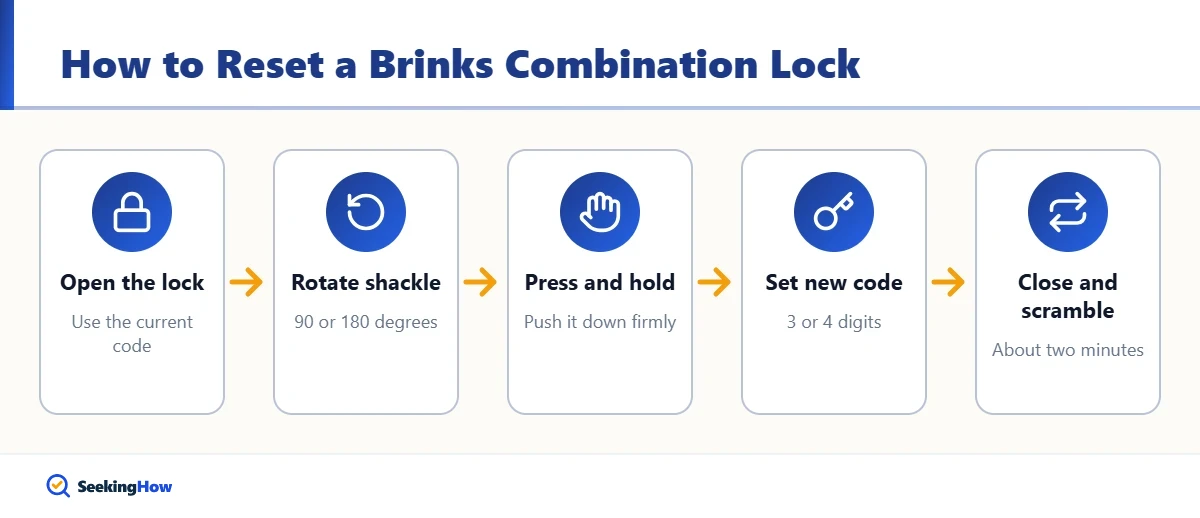
To reset a Brinks resettable combination lock, open it with the current combination, then pull the shackle up and rotate it 90 or 180 degrees (depending on the model) and press it down. While holding it down, turn the dials to your new 3- or 4-digit code, rotate the shackle back, close it and scramble the dials. The whole process takes about two minutes and needs no tools.
Key Takeaways
- You can only reset a Brinks lock when it is open and you know the current combination.
- Most Brinks resettable padlocks reset by rotating and pressing down the shackle; some luggage locks use a small reset button instead.
- Fixed-dial rotary combination padlocks are generally not resettable.
- Write the new combination down and test it several times before locking anything up.
- If you forget the combination of a lock you own, check the original packaging, contact Brinks with the model number, or cut the lock and replace it.
Brinks sells several kinds of combination locks, including brass resettable padlocks, laminated steel padlocks, cable bike locks and TSA-accepted luggage locks. Resetting the code is quick once you know which mechanism your model uses. This guide covers each type, the exact steps, and what to do if the new code does not work.
Which Type of Brinks Combination Lock Do You Have?
Check the packaging or the model number stamped on the lock body. The reset method depends on the design.
| Lock type | Resettable? | Reset method |
|---|---|---|
| Resettable padlock with number wheels (brass or steel) | Yes | Rotate the open shackle 90 or 180 degrees, press down, set new code |
| TSA luggage lock or small cable lock | Usually | Press a reset button or lever while the lock is open, set new code |
| Bike cable lock with dials | Often | Reset tool, button or lever on the body; follow the included card |
| Rotary dial (spin-dial) padlock | No | Factory-set combination printed on the tag or card |
| Brinks digital or Bluetooth lock | Yes | Through the keypad or the Brinks app instructions |
If your lock came with a printed instruction card, keep it. Model-specific directions always take priority over a general guide.
What Do You Need Before You Start?
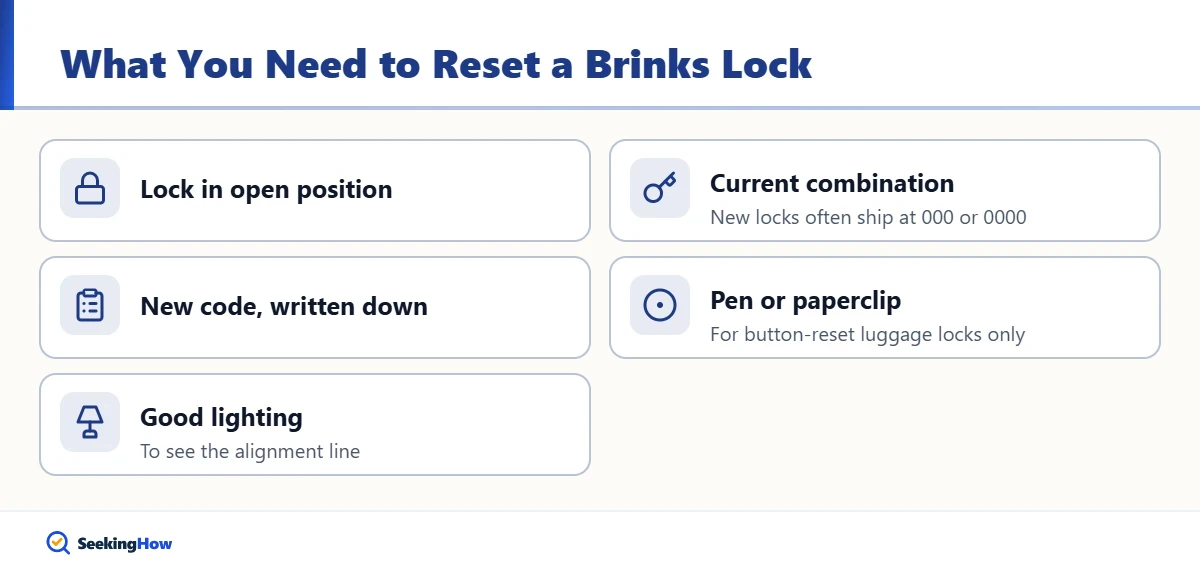
- The lock in the open position
- The current combination (new locks often ship set to 000 or 0000; check the packaging)
- Your new combination, written down
- A ballpoint pen or paperclip, for button-reset luggage locks only
- Good lighting to see the alignment line
How Do You Reset a Brinks Resettable Padlock?
These steps apply to the common Brinks brass and steel padlocks with three or four number wheels and a resettable shackle.
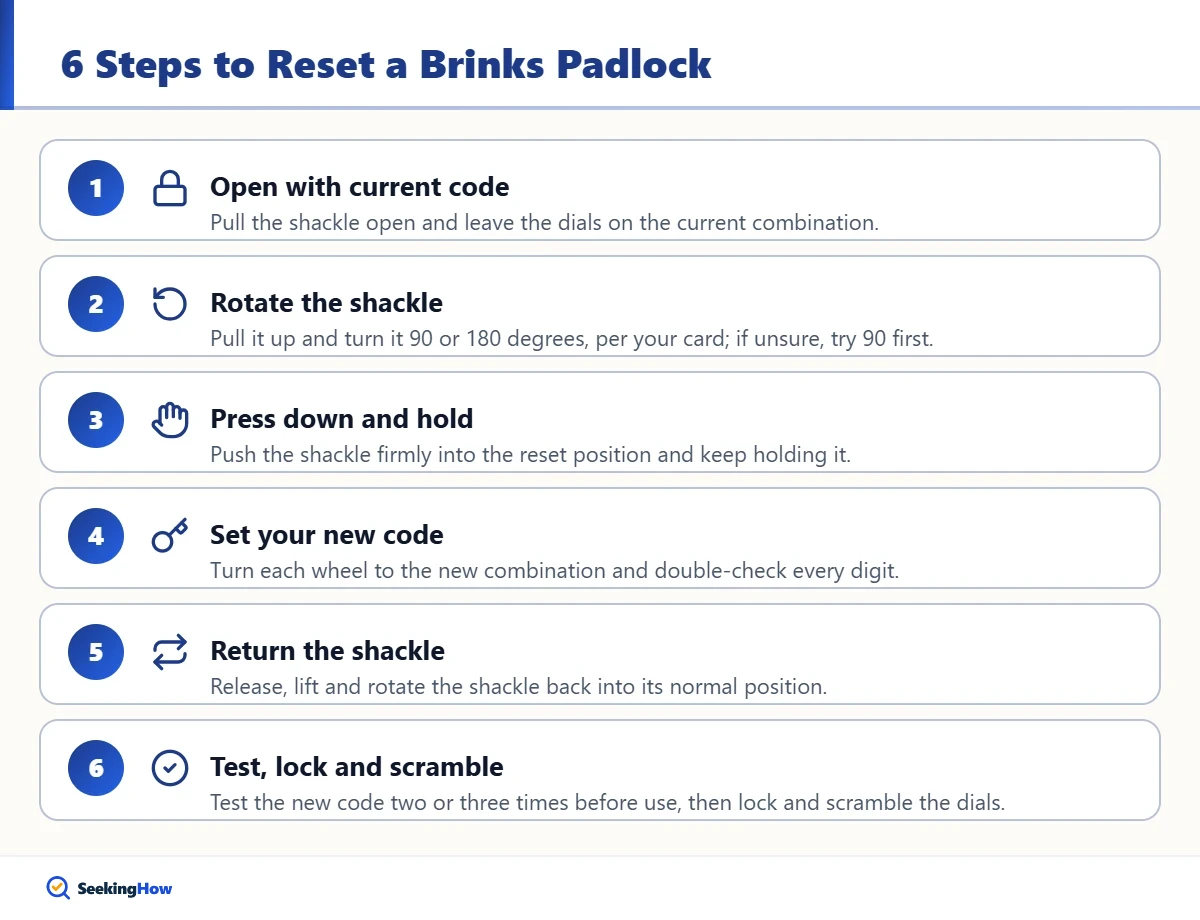
Step 1: Open the Lock With the Current Code
Line up the current combination on the indicator line or arrow on the front of the lock and pull the shackle open. Leave the dials exactly on the current combination; you cannot reset from a scrambled position.
Step 2: Rotate the Shackle
Pull the shackle all the way up and rotate it away from the body. Depending on the model, the reset position is a quarter turn (90 degrees) or a half turn (180 degrees). Your instruction card shows which one; if unsure, try 90 degrees first.
Step 3: Press Down and Hold
Push the shackle down firmly into the reset position and keep holding it. On some models it clicks and stays down on its own; on others you need to hold pressure through the next step.
Step 4: Set Your New Combination
While the shackle is held down, turn each wheel until your new combination lines up with the indicator line. Double-check every digit before releasing the shackle.
Step 5: Return the Shackle
Release the pressure, lift the shackle and rotate it back to its normal position, aligned with its hole in the lock body. Your new combination is now set.
Step 6: Test, Lock and Scramble
Close the shackle, scramble the wheels, then dial your new code and confirm the lock opens. Repeat the test two or three times before using the lock on anything important. Once confident, lock it and scramble the dials.
Tip: Avoid easy codes such as 0000, 1234, a birth year or repeated digits. Store the combination in a password manager or a note somewhere other than with the lock.
How Do You Reset a Brinks Luggage or Cable Lock?
Many Brinks TSA luggage locks and small cable locks use a reset button instead of a rotating shackle.
- Open the lock using the current combination (often 000 out of the box).
- Find the small reset button or lever on the side or bottom of the lock body.
- Press and hold it with a pen tip or paperclip, or slide the lever to the reset position.
- Turn the wheels to your new combination.
- Release the button or return the lever, then test the code several times.
TSA-accepted locks also have a keyhole that lets airport security open the lock with a special key. That does not affect your combination.
Why Is My New Brinks Combination Not Working?
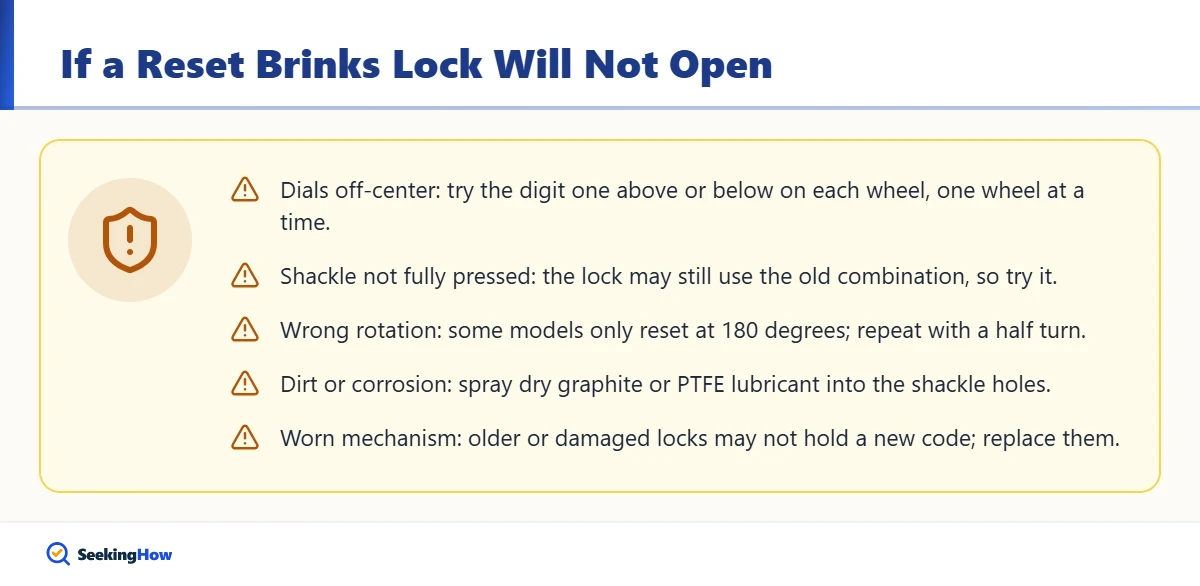
- Dials were off-center when you set them: each wheel must sit squarely on the indicator line. Try the digit one above or below each wheel, one wheel at a time, to find the slip.
- Shackle was not fully pressed: if the reset position was not engaged, the lock may still use the old combination. Try the old code.
- Wrong rotation: some models only reset at 180 degrees. Repeat the process with a half turn.
- Dirt or corrosion: outdoor padlocks can stick. Spray a dry graphite or PTFE lock lubricant into the shackle holes and work the wheels.
- Worn mechanism: older or damaged locks may not hold a new code reliably. Replace them.
What If You Forgot the Combination to Your Own Brinks Lock?
Brinks resettable padlocks do not have a master key, and the company generally cannot retrieve a combination you set yourself. Your legitimate options are:
- Check where you saved it: the original packaging, an instruction card, your phone notes or a password manager.
- Contact Brinks customer service: have the model number and proof of purchase ready. For locks with a factory-set code, they may be able to help after verifying ownership.
- Cut the lock: if the lock is yours and is securing your own property, bolt cutters or a hardware store’s cutting service can remove it. Then buy a replacement.
- Call a licensed locksmith: for locks securing something valuable or hard to reach, a locksmith can remove them safely.
Safety: Only remove locks you own or have permission to remove. For a school, gym or workplace locker, ask the facility manager rather than cutting the lock yourself.
Locked out of something bigger? See our guide on what to do when you are locked out of your safe. For commercial doors, our owner repair guide on fixing a push bar door lock covers common hardware problems.
How Do You Keep a Combination Lock Working Smoothly?
- Lubricate outdoor locks a few times a year with dry graphite or a PTFE lock spray; avoid oily sprays that attract dust.
- Rinse off salt or sand after beach or winter use and let the lock dry.
- Do not force stiff wheels; work them gently back and forth.
- Choose a weather-resistant model with a shackle cover for sheds and gates.
Frequently Asked Questions
What is the default combination for a Brinks lock?
Many new Brinks resettable locks ship set to 000 or 0000, but this varies by model. Check the packaging or instruction card. Locks with a fixed rotary dial come with a factory-set combination printed on a tag or card, so keep it in a safe place.
Can you reset a Brinks lock without knowing the combination?
No. Resettable Brinks locks must be open, with the current combination dialed, to change the code. If you forgot the combination to your own lock, check your records, contact Brinks with the model number and proof of purchase, or cut the lock and replace it.
Can you change the combination on a Brinks dial padlock?
Generally not. Traditional Brinks rotary dial padlocks have a fixed factory combination that cannot be changed by the user. If you want to choose your own code, buy a model labeled resettable, which uses number wheels and a reset mechanism.
How do I reset a Brinks TSA luggage lock?
Open the lock with the current code, which is often 000 for new locks. Press and hold the small reset button with a pen tip, or slide the reset lever, then turn the wheels to your new code. Release the button and test the code several times before traveling.